
Instagram allows up to 100 highlight albums per profile, with each album containing up to 100 stories. So the absolute ceiling is 10,000 stored stories across highlights. Most accounts use 5-10% of that — the practical sweet spot is 6-12 albums. The limits are the same for personal, creator, business, and verified accounts.
⚡ Key takeaways
- 100 stories per highlight album — the hard per-album ceiling.
- 100 highlight albums per profile — almost no account approaches this.
- Same limits for all account types — no premium tier raises them.
- Stories from any year are eligible for highlights — no age restriction on archive stories.
- The display row scrolls horizontally — only 4-6 covers visible at once.
100 stories per highlight album

The per-album limit is 100 stories. This is enforced by Instagram’s server — you cannot add a 101st story to a single highlight, period.
When you approach 95 stories in one album, Instagram surfaces a warning so you know you’re near the cap. If you try to add another at 100, the Add button greys out and a message explains the limit.
In practice, very few albums approach this number. Most highlights have 3-20 stories — a curated reel rather than an exhaustive archive. A 100-story highlight is hard for viewers to navigate; the perception of value drops well before the technical limit.
100 highlight albums per profile

The total-albums ceiling is also 100. You can have up to 100 distinct highlight albums on your profile.
This number is so high that almost no account approaches it. Visiting profiles with even 30+ highlight albums is rare; profiles with 50+ are essentially never seen on Instagram. The ceiling exists to prevent abuse, not to be a target.
Why so high? Because Instagram’s engineering team is conservative — setting a limit at 100 with auto-scroll display means almost no legitimate user ever hits it, while still preventing automated abuse (bots creating thousands of albums for spam or content-flooding).
What practical accounts actually use

Real-world usage across account types is dramatically lower than the limits:
- Personal accounts: typically 3-6 albums. Travel, food, pets, important moments — the things worth keeping past 24 hours.
- Creator accounts: typically 6-12 albums. Categorised by content theme — tutorials, behind-the-scenes, FAQs, testimonials, products, collaborations.
- Brand accounts: typically 8-15 albums. Product lines, customer testimonials, FAQ, brand story, campaigns, current promotions.
Anything beyond 15 albums starts feeling overwhelming for visitors. The display row scrolls horizontally, and most viewers never scroll past the first 6-8 visible covers. Albums you create that nobody scrolls to are visually clutter but rarely viewed.
How the highlight row displays

Highlights display as a horizontal row of circular covers above the post grid on your profile. Key display facts:
- 4-6 covers visible at once depending on screen width. The rest scroll into view as the viewer swipes left.
- No vertical wrap. Unlike the post grid which wraps to multiple rows, highlights stay on a single horizontal strip.
- Order is editable. You can rearrange the album order by long-pressing in the edit screen and dragging.
- The first visible covers do the most work. Albums in positions 1-6 get vastly more views than albums in positions 12+.
Strategic implication: even though you CAN have 100 albums, the algorithmic and human attention rewards the first 6-8 covers most. Put your strongest content there.
Approaching the limit — what happens

If you actually approach the 100-story-per-album limit, Instagram’s editor surfaces clear signals:
- At 90-95 stories: a small warning appears next to the Add button alerting you to the approaching cap.
- At 99 stories: the warning becomes more prominent, advising you to consider archiving the album or starting a new one.
- At 100 stories: the Add button greys out entirely. You cannot add more.
The recommended workflow when hitting the limit: create a new themed album (e.g. "Travel 2025" → "Travel 2026") rather than removing stories from the existing one. Viewers prefer chronological album splits over a single massive feed.
Archive stays unlimited — highlights are the limit

An important distinction: your Archive is essentially unlimited — Instagram stores every story you’ve ever posted there permanently and privately. Highlights, by contrast, are limited to 100 stories per album.
This means stories from years ago in your archive can be promoted to highlights at any time. The age of the original story doesn’t matter — only the count inside the highlight album it lives in.
Practical workflow:
- Post stories freely throughout the day — they archive automatically after the 24-hour window.
- Once a week or once a month, review your archive and promote the best 3-5 stories to relevant highlights.
- If a highlight album approaches the 100-story cap, archive the oldest 20-30 stories in it (they stay in Archive forever) and add new ones.
Quality of curation beats quantity

Counter-intuitive but consistently true: fewer, better-curated albums outperform many sparse ones. Reasons:
- Viewers scan fast. A row of 6 clean, well-labelled albums is processed in seconds. A row of 25 mixed albums is overwhelming — viewers skip the whole section.
- Design coherence matters. 6 albums with matching covers feels professional. 25 albums with default thumbnails feels random.
- Discovery odds. If you have 25 albums, each individual album gets ~1/25 of viewer attention. If you have 6, each gets ~1/6. Math favours the small set.
- Maintenance burden. Each album you add is a future maintenance task — covers to update, stories to add, content to refresh. Don’t take on what you can’t maintain.
The general advice for any account considering "should I add another highlight album?": only if the new theme will get sustained attention from your audience over the next 6 months. If not, skip it.
Account-type differences (there are none)

A common misconception: business or creator accounts get higher highlight limits than personal accounts. They don’t. The limits are identical:
- 100 stories per album — same for all account types.
- 100 total albums per profile — same.
- Display row mechanics — same horizontal scroll behaviour.
- Age of source stories — no restriction, same.
What business and creator accounts DO get is richer analytics (Insights showing which highlights are viewed most, audience demographics, etc.) and the ability to add contact-method buttons (call, email, directions) to the profile. The highlight structure itself stays the same.
No age limit on source stories

A useful fact for content strategy: you can add stories from any year in your archive to a highlight, not just recent ones. There’s no "this story is too old" cutoff.
Practical use cases:
- Year-in-review highlights. Build a "Best of 2025" album entirely from your archive at the start of 2026.
- Throwback content. Pull a story from three years ago into a "Throwback" album.
- Re-purposing. Move stories from a deprecated album theme into a new one as your content focus evolves.
This is why your archive matters: it’s your permanent library of every story you’ve ever posted, ready to be promoted into highlights whenever you want.
Five common myths busted

Frequently repeated but wrong:
- "Premium / verified accounts get more albums." False. Same limits for everyone.
- "Old stories can’t be added to highlights." False. Any archive story is eligible.
- "The algorithm penalises accounts with too many highlights." False. Highlight count has zero effect on post reach.
- "Removed highlights still count toward your limit." False. Once removed, they free up the slot.
- "There’s a hidden way to get more than 100 stories per album." False. The cap is server-enforced.
Reordering and renaming albums freely
Two things often missed: the album order and album labels are fully editable at any time, without affecting the stories inside or losing viewer history.
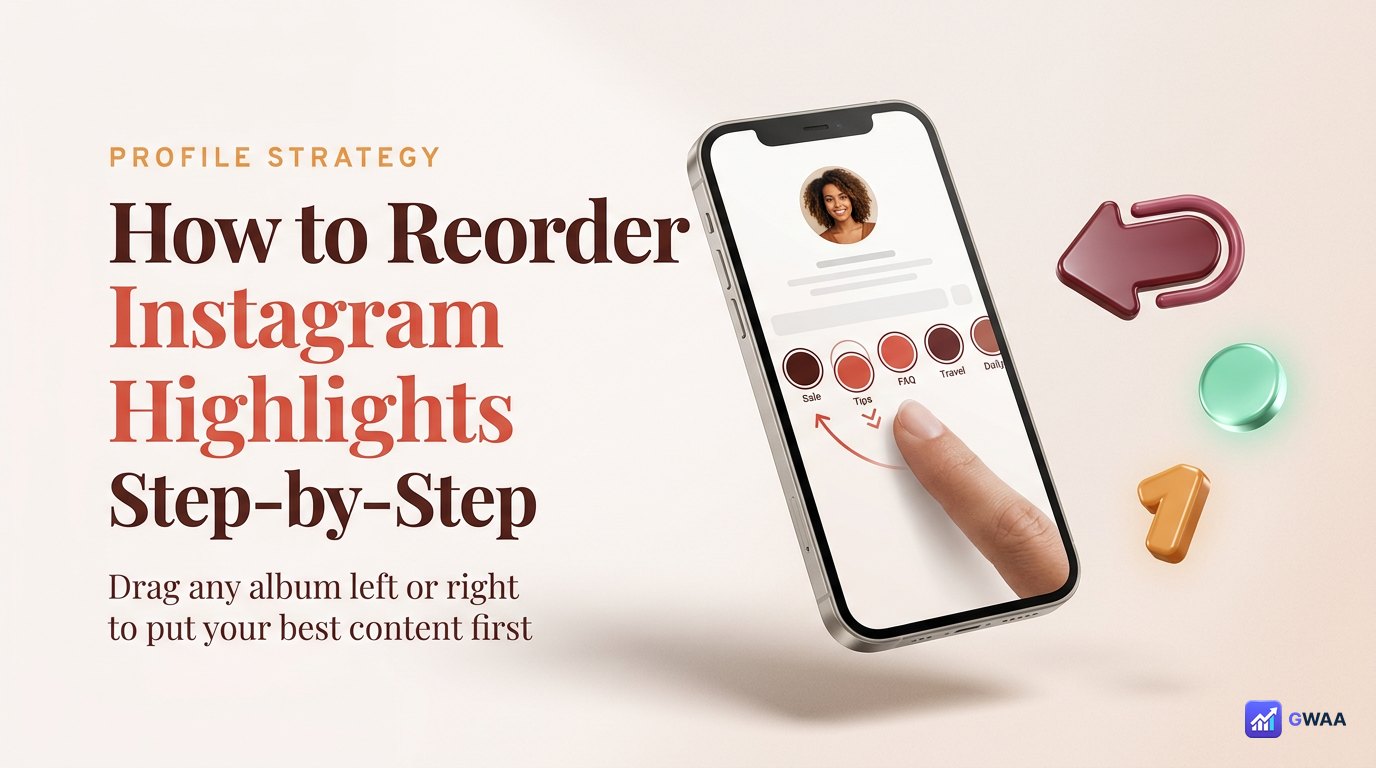
- Drag to reorder. Open your profile, tap any highlight to enter edit mode, long-press an album and drag it left or right. Order updates instantly.
- Rename without losing data. Tap an album, tap the three-dot menu, tap Edit Highlight, change the name. The stories inside stay put. Viewer count carries over.
- Change the cover at any time. Same edit menu. Replacing the cover image doesn’t reset anything else.
This means your album taxonomy is a living thing — rename, reorder, regroup as your content focus evolves. Don’t treat the initial setup as permanent.
Archiving vs deleting albums — very different
When cleaning up old albums, you have two options that behave very differently:
- Delete the highlight album. The album disappears from your profile. The underlying stories stay in your Archive. The album slot is freed (you can add a replacement). Viewer count for that specific album is lost.
- Hide the album. There’s no native "hide" feature — the closest is removing all stories from the album, which leaves it as an empty placeholder. Most people just delete.
- Remove individual stories from the album. Stories you remove stay in your Archive. The album survives with fewer stories. Other stories’ viewer counts are unaffected.
For album cleanup: delete is almost always the right move. The freed slot lets you build something better in its place.
Other Instagram limits worth knowing
While we’re on limits, a few related ones that come up:
- Posts per account: no hard limit. You can post indefinitely.
- Stories per day: up to 100 per 24-hour window (rarely an issue).
- Following limit: 7,500 accounts max. (Instagram’s spam-control measure.)
- Bio length: 150 characters.
- Username length: 30 characters, alphanumeric + dot + underscore.
- Caption length: 2,200 characters per post.
None of these interact with highlights. The 100/100 highlight limits are independent of every other account-level limit.
A practical highlights strategy
Putting all the numbers together into a usable strategy:
- Start with 6 albums covering the most important pillars of your account (your main content categories, FAQ, testimonials/wins, products/services).
- Cap each album at ~15 stories for readability. Even though 100 is allowed, 15-20 is easier to scroll for viewers.
- Review monthly. Add 2-3 new stories per album from the past month; consider whether any album should be retired.
- Use matching covers across all 6 for visual coherence — same colour palette, same icon style.
- Reorder for impact. Put your strongest album (testimonials, best work, or category most relevant to new visitors) in position 1.
Audit your own highlight set in 5 minutes
Quick exercise to apply the numbers above to your own profile right now:
- Open your profile and count your current highlight albums. If under 6, you have room to grow. If over 15, you have room to consolidate.
- Tap the first 4 albums — check view counts. The first row is doing the most work.
- Tap any album with fewer than 5 stories — consider whether it’s worth keeping or merging into a richer one.
- Check whether your covers are consistent. If they’re a random mix of default thumbnails, that’s your highest-leverage fix.
The numbers that matter

If you remember three numbers from this page:
- 100 — stories per album (the hard cap)
- 100 — total albums per profile (also the hard cap)
- 6-12 — the practical sweet spot most accounts converge to
The Instagram-imposed limits are generous enough that almost no real account hits them. The constraint that actually shapes your highlight strategy isn’t Instagram’s ceiling — it’s viewer attention. Six well-curated albums get more total views than thirty mediocre ones. Optimise for curation, not capacity.
Related guides
- How to make highlight covers — design the 6-12 covers that matter.
- Instagram highlights vs stories — format-level differences worth knowing.
- View highlights anonymously — research competitor highlight strategies without notification.
- Instagram profile analytics explained — the data layer beneath the highlight strategy.
- Anonymous viewer playbook — broader tool category context.