
On Instagram, a story is a piece of content that disappears after 24 hours and lives at the top of your followers’ feeds. A highlight is a story you decided to keep permanently, pinned as a labelled album above your post grid on your profile. Stories are live TV; highlights are the Netflix shelf. Same content type, completely different shelf life and purpose.
⚡ Key takeaways
- Stories live 24 hours at the top of the feed. Highlights live forever on the profile.
- Stories are daily noise; highlights are the curated greatest-hits shelf.
- Viewer-list rules are identical — in-app viewing logs you, anonymous web viewing doesn’t.
- Adding a story to a highlight doesn’t reset the viewer list — existing views carry over.
- Best practice: post all the daily noise as stories, pin only the wins as highlights.
Where stories live — top of the feed, 24-hour window

Stories appear in the horizontal tray at the very top of the home feed. Each account that posted in the last 24 hours shows up as a circular avatar with a colourful ring around it. Tap the ring to start the story sequence. The Instagram feed’s top inch is dedicated entirely to this tray — it’s the highest-attention real estate on the platform.
Stories auto-expire 24 hours after posting. The ring disappears, the story drops out of the tray, and the content is no longer visible to anyone except the owner (in their personal Archive). That 24-hour timer is the defining feature of the story format — it’s what makes stories feel urgent and casual at the same time.
Where highlights live — on the profile, permanent

Highlights live on the profile page, in a horizontal row of circular cover thumbnails just below the bio block and above the post grid. Each cover is labelled (Travel, FAQs, Work, etc.) and contains between 3 and 20 stories that the owner saved past their 24-hour window.
Highlights stay until the owner explicitly removes them. Unlike stories, there’s no auto-expire. They function as the profile’s curated portfolio — the section that says “these are the things about my account that matter beyond today.”
Story timer vs highlight permanence

The lifecycle difference is the whole reason the two formats exist:
- Story lifecycle: Posted → visible at the top of followers’ feeds → 24-hour timer → auto-deleted from public view (kept in owner’s private Archive).
- Highlight lifecycle: Posted as a story → (within or after 24 hours) owner adds it to a highlight album → stays permanently visible on the profile until owner removes it.
A highlight isn’t a separate piece of content — it’s a pointer to a story that the owner promoted to permanent. The underlying file is the same; only the lifecycle changes.
Daily noise vs curated highlights reel

Because stories disappear in 24 hours, accounts post them casually — behind-the-scenes moments, quick thoughts, half-formed jokes, throwaway updates. The format encourages volume and casualness because nothing has to last.
Highlights are the opposite. Because they live forever on the profile, owners curate them carefully. The covers get custom artwork. The albums get descriptive labels. The contents get re-ordered for narrative flow. Highlights are the equivalent of an artist’s “best of” album — only the work worth keeping makes the cut.
This is why scrolling through someone’s highlights gives you a much better signal of who they are than scrolling through their stories. Highlights are what they want you to remember; stories are what they’re doing today.
Viewer-list rules — identical for both

If you view a story or a highlight through the Instagram app, your username appears in the owner’s viewer list for that piece of content. This is the same mechanism for both formats — Instagram doesn’t differentiate between live stories and pinned highlights for the purpose of view logging.
For stories: the viewer list is visible to the owner for 48 hours, then collapses to just the count. For highlights: the viewer list is visible to the owner forever, because the highlight itself lives forever. So technically, your view of a highlight is logged more permanently than your view of a story.
One important detail: adding an old story to a highlight doesn’t reset its viewer list. If 500 people saw the story while it was live, those 500 view-events carry over to the highlight. The owner sees the same list whether they look at the story (during its 24 hours) or the highlight (after it’s pinned).
Anonymous viewing — same tool, same workflow

Web-based anonymous viewers cover both formats. Same tool, same workflow, same privacy guarantee. The viewer fetches the content server-side from Instagram’s public endpoint, your name never appears in the owner’s viewer list because no view event ever fires for your account.
Most reputable viewers offer tabs for both: a STORIES tab showing the currently-live 24-hour content, and a HIGHLIGHTS tab showing the pinned albums. You can scroll between them seamlessly in one session. If you’re researching a profile, you typically want both — what they’re doing today and what they’ve curated for permanence.
When to post as story vs as highlight

If you create content yourself, the format decision determines reach pattern:
- Post as STORY when: the content is time-sensitive (a sale, an event, today’s news), casual or off-the-cuff, asking for a quick reply or reaction, something you don’t need viewers to find later.
- Pin as HIGHLIGHT when: the content is a win you want pinned (testimonial, milestone), a product or service explainer, an FAQ answer worth reusing, a piece of your profile portfolio.
Most accounts use stories liberally and highlights sparingly. Six well-curated highlights tell new visitors more about you than sixty live stories ever could.
Turn a story into a highlight in three taps

The mechanics of promoting a story to a highlight are simple:
- Open your own story while it’s still live (or open it from your private Archive after the 24 hours expire).
- Tap the Highlight button at the bottom of the screen.
- Pick an existing album or create a new one. Name it descriptively — the label is what visitors will see on your profile.
The story now lives in both places: at the top of the feed (for the remaining 24 hours, if still live) and on your profile permanently as part of that highlight album. After the 24 hours, only the highlight remains.
Three myths about highlights — and the truth

The three most common misunderstandings:
- Myth: highlights send a separate notification. Truth: the only notification fires when the underlying story is first posted. Adding it to a highlight later doesn’t re-notify followers.
- Myth: highlights last forever automatically. Truth: highlights stay until the owner explicitly removes them. They can be deleted, edited, or unpinned at any time.
- Myth: adding to a highlight resets the viewer list. Truth: the viewer list carries over from the original story. Whoever saw it during its 24-hour window is logged on the highlight too.
Archive vs Highlight — your private library vs your public wall

Every story you post is automatically saved to your private Archive forever. This is invisible to anyone but you. The Archive is your raw library — nothing has been curated, nothing has been promoted.
Highlights are built by pulling specific stories from your Archive and pinning them publicly. So the relationship is: Archive is the raw library (private to you), Highlights are the curated wall (public to your profile visitors). The same story can be in both at the same time — archived (always) and highlighted (if you chose to pin it).
Practical consequence: if you accidentally deleted a highlight, the underlying story is still in your Archive. Just re-add it to a new highlight album. The story file itself isn’t lost.
Why highlight cover design quietly matters
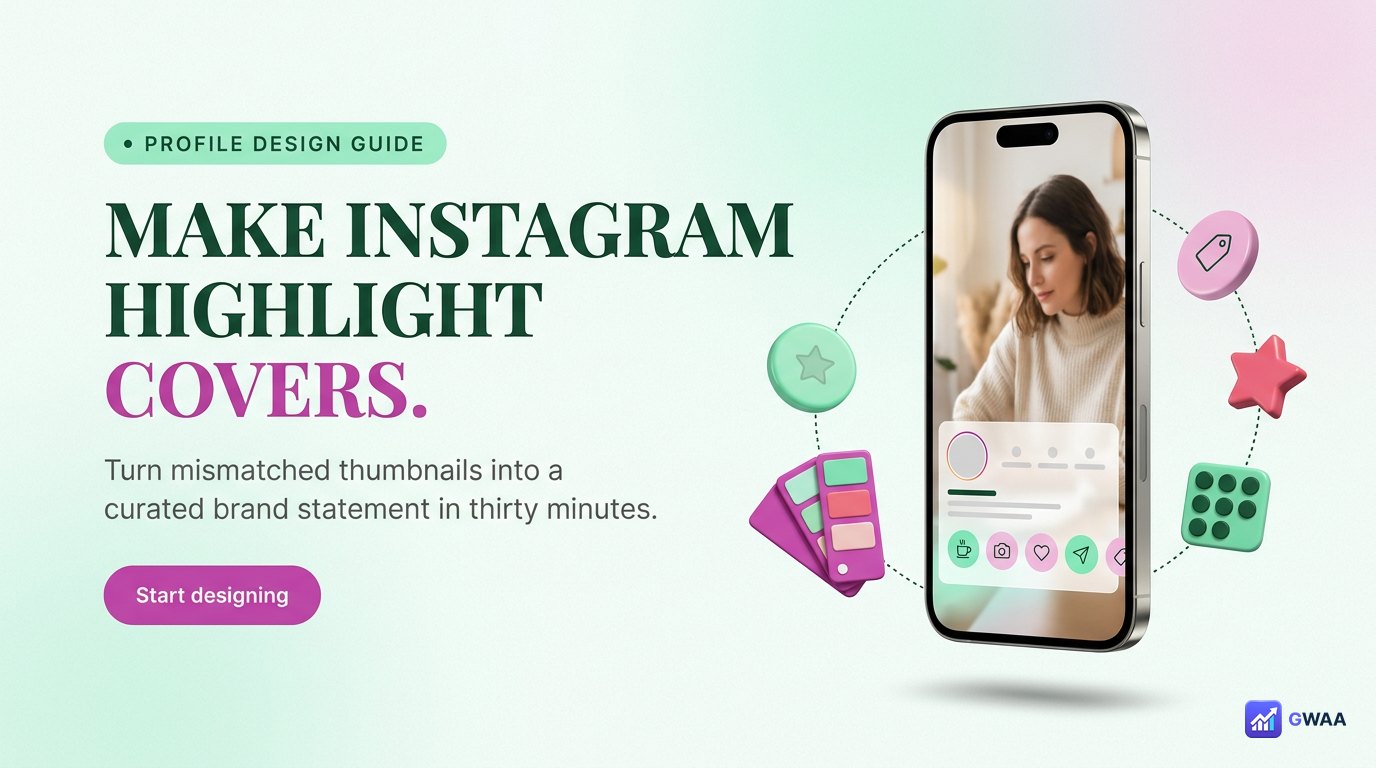
Highlights have one feature stories don’t: a custom cover image. Each circular cover above the post grid can be a unique icon, a screenshot, a custom-designed graphic, or a thumbnail from the album’s first story. Most accounts treat this as cosmetic. Sophisticated accounts treat it as profile branding.
The reason: highlight covers are the second thing a new visitor sees, right after the bio. They’re permanent profile real-estate. Six well-designed covers with consistent visual style (same colour palette, same icon style, same typography) make a profile look professionally maintained. Six default thumbnails make it look thrown together.
The accounts taking this seriously typically use a single template in a design tool (Canva, Figma) to create matched covers. Picking one accent colour and one icon style gets you 80% of the way there. Custom covers don’t cost anything in algorithm terms, but they meaningfully raise the perceived quality of the profile.
Different shelf life means different reach patterns
Stories and highlights distribute reach completely differently. Understanding both patterns is the difference between using Instagram intentionally and posting randomly:
- Stories deliver a burst. When you post a story, it appears immediately at the top of every follower’s feed. Views accumulate quickly for ~6 hours, slow over the next 12, and trickle for the final 6 before disappearing. Total view count maxes out around 24 hours and that’s the lifetime number.
- Highlights deliver a trickle. Once pinned, a highlight gets viewed mostly by people who visit the profile for the first time. View counts grow slowly over weeks and months as new visitors arrive. A well-pinned highlight can accumulate more total views than the original story did — just spread over years instead of a day.
If you’re testing something time-sensitive (a poll, an announcement, a flash sale), use a story. If you’re building a permanent piece of profile value (an FAQ, a portfolio piece, a testimonial), pin it as a highlight. Most accounts under-use highlights because the slow trickle isn’t as immediately rewarding as the story burst.
You can re-order the stories inside a highlight
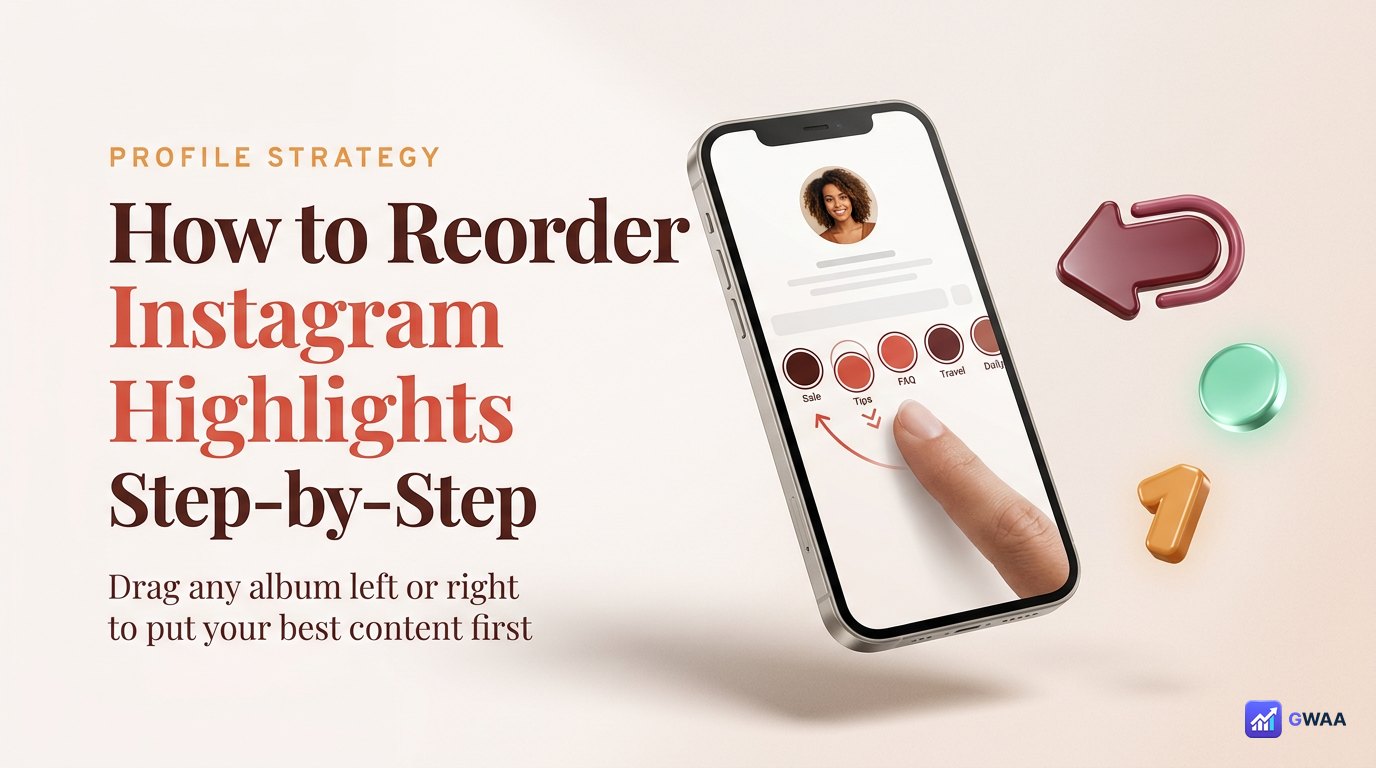
One feature most casual users miss: the order of stories inside a highlight isn’t locked to the order you originally posted them. Open any of your highlights, tap edit, and you can rearrange the sequence freely.
This matters when you’re building a highlight as a mini-tutorial or an FAQ. The natural posting order (chronological) is rarely the same as the optimal viewing order (logical). Re-ordering lets you put the intro first, the meat in the middle, and the call-to-action at the end — even if you posted them in a different sequence over weeks.
The whole difference in one analogy

If you take one analogy from this page: stories are live TV; highlights are the Netflix shelf. Stories play once at the top of the feed and disappear. Highlights stay on the profile shelf, organised by topic, viewable on demand.
Use stories for the broadcast moment. Use highlights for the permanent shelf. Same content type, different shelf life, completely different role in how an Instagram profile actually works.
Related guides
- How to view Instagram highlights anonymously — the no-trace viewing companion to this format guide.
- How to download Instagram highlights — save any highlight album to your device.
- How to view Instagram stories anonymously — the same anonymous principle, for the 24-hour story window.
- The anonymous Instagram viewer playbook 2026 — broader context on the anonymous-viewing tool category.